Interface Papers: Sketch Your App to Life
by anthony on 05/25/12 at 10:08 am

10 Reasons You’ll Love Interface Papers
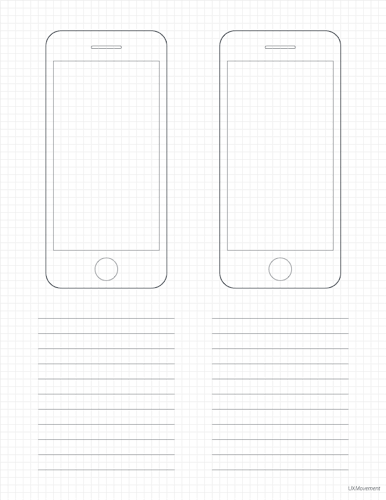
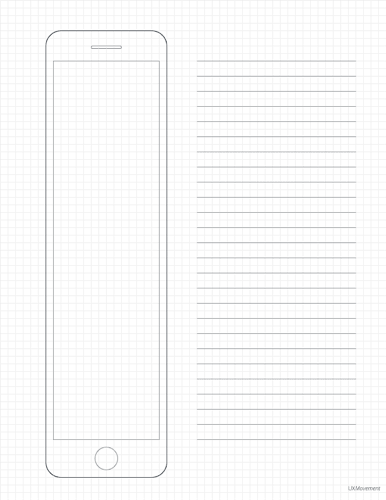
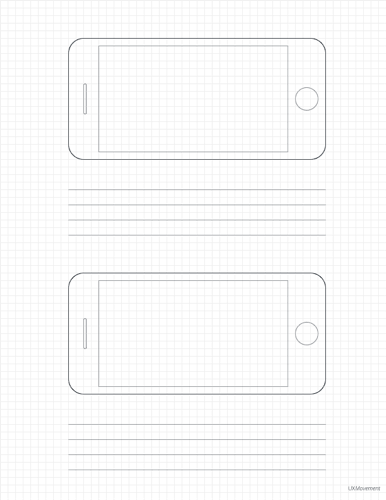
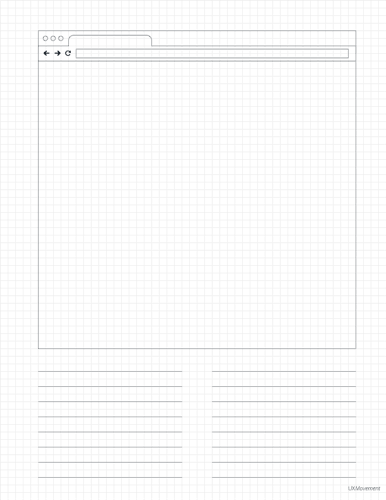
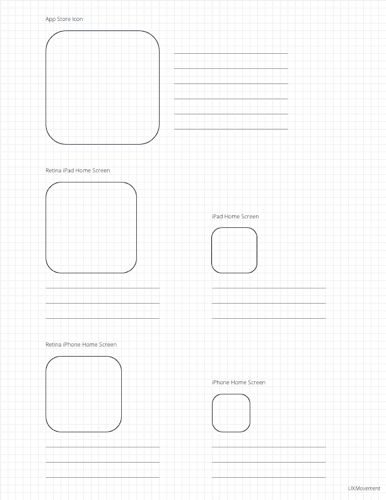
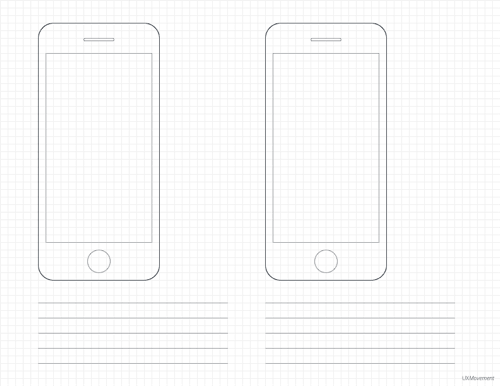
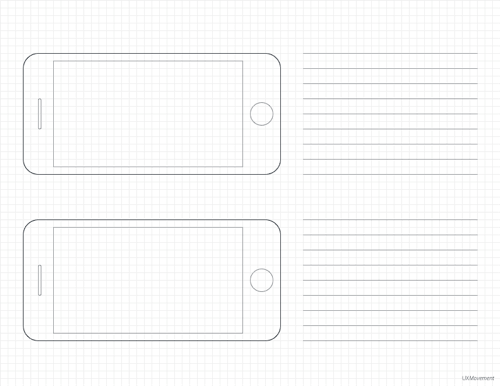
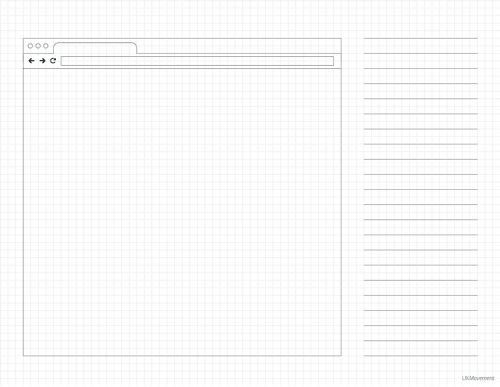
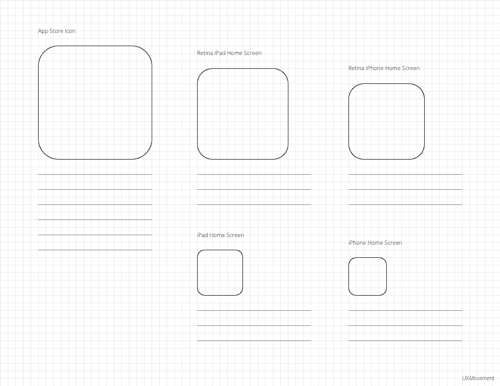
- You get 16 sketch papers for designing iPhone, iPad, web apps and icons.
- You get 8 portrait and 8 landscape paper layouts for all your sketching needs.
- You get sketch papers designed with a blueprint look and feel.
- You get graph paper grid lines to help you sketch more quickly and accurately.
- You get ruled columns so that you can label and annotate your sketches.
- You’ll be able to better articulate your design vision to your team on the fly.
- You’ll be able to refine your interface ideas over time without spending any resources on real development.
- You’ll be able to give others a complete feel of your app’s user experience from beginning to end.
- You’ll be able to move into the wireframing and mockup stage with a strong understanding of your interface.
- You’ll be able to exercise your interface design concepts early on the process and get better end results.
Sketching isn’t reserved for artists and architects. It’s for interface designers too. Many designers don’t have a solid template they can use to sketch their interface design concepts. Because of this need, Interface Papers was born. Simply choose between the different portrait and landscape layouts, and print out the PDF template you want to use. Whether you’re designing an iPhone, iPad, web app or icons, Interface Papers has the right sketching template for you.
For a limited time, when you buy Interface Papers, you’ll get Productivity Papers free! Productivity Papers is a system that will not only help you work more productively, but it’ll also help you become an expert at your job. There’s research that supports these methods, and they’re proven to work over time.
The single user license is for one person. The multiple user license is for up to 5 people. After you buy your license, you will receive an email to download the files. Check your spam and bulk folders if you don’t see it in your inbox.
Screenshots of Interface Papers
Portrait Templates


![]()
Landscape Templates


![]()


Alex
May 29th, 2012
What paper sizes are these set up for? i.e. A4 or US Letter?
anthony
May 29th, 2012
It’s set up for US Letter size (the most common paper size). However, you can print on A4 if you go to Page Setup and select Fit to Printable Area.
hallie
May 24th, 2013
is the iPhone template in Interface Papers to scale? it looks wide in proportion to my iPhone 4S. are the pdfs illustrator editable (when opened in .AI) so that the proportion could be adjusted if needed?
thanks in advance!
Luke
Oct 23rd, 2012
A4 is the most common paper size standard in the world, US – as it suggests….