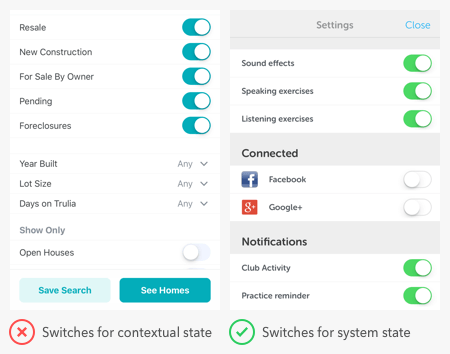
Most users know how to toggle the switches on electrical devices, but get confused with the interface ones. They often have trouble discerning whether a switch is indicating a status or command.
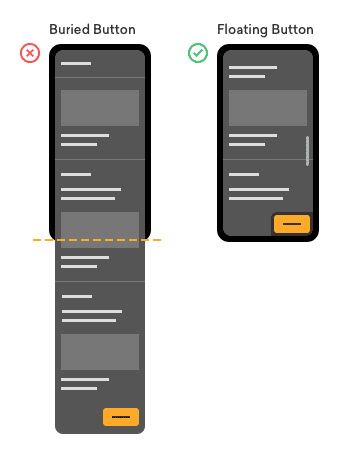
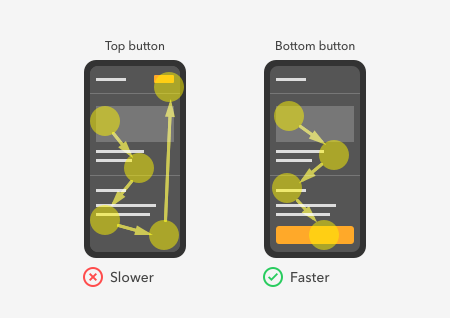
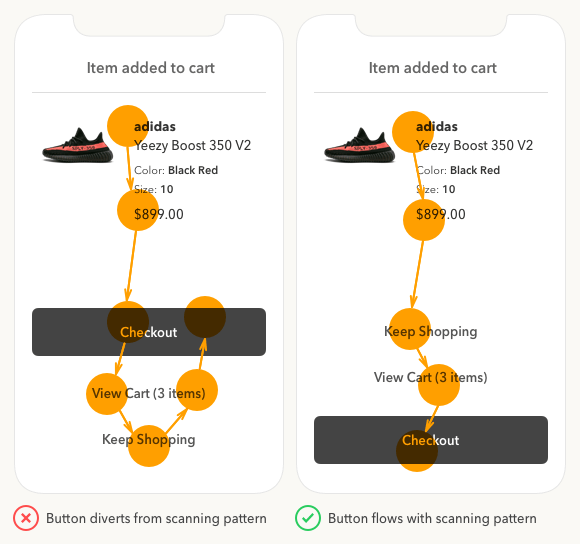
Did you know that where you place your buttons affects how fast users complete their task? Quicker task completion results in a more satisfying experience.
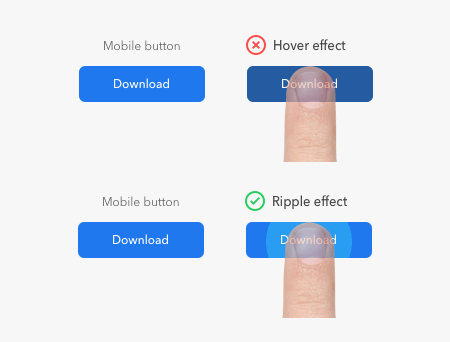
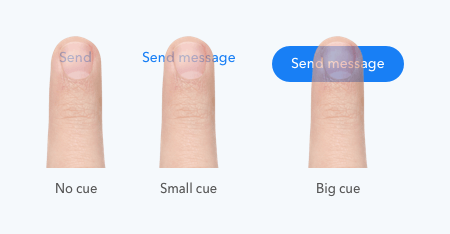
The usability standards for buttons are higher for mobile apps than desktop apps. With a smaller screen and finger navigation, mobile buttons must be easy to tap, read, and recognize.
To tap or not to tap — that is the question on the user’s mind when they see a call to action button. The more buttons there are, the longer users take to decide.
Tap, tap, tap! Are users able to hit your mobile buttons with high touch accuracy, or are they missing their target? Before you blame the user, check the size and spacing of your buttons.
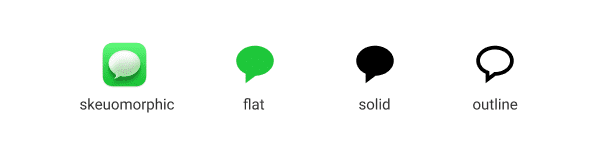
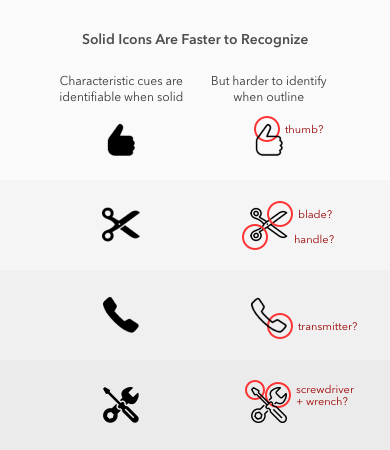
When building a mobile app, there comes a time when you have to decide whether to use solid or outline icons. Which style is better for user experience?